SAN FRANCISCO — There is a version of Google Gemini that sets your alarms, controls your flashlight, reads your inbox, summarizes hour-long YouTube videos before you decide whether to watch them, and holds an unstructured conversation while you are doing something else entirely. Most people have never used it. They have been using the text box.
That gap — between what Gemini actually is and what the average user encounters when they open the app — is not a failure of marketing. It is a structural design choice Google made and never adequately explained. The most capable features are disabled by default, require manual activation across multiple settings screens, and carry names — Utilities, Gemini Live, Connected Apps, Deep Research, Gems — that communicate almost nothing about what they unlock. The result is that millions of Android users have an AI assistant on their phone that behaves like a slightly faster search bar, because that is what the default configuration produces.
The discovery pattern is consistent across independent accounts published this week. Writers at Android Police, Tom’s Guide, and MakeUseOf all described some version of the same realisation: they had been using Gemini for months, treating it as a chatbot, and then something shifted. Android Police contributor Anu Joy stopped typing and started speaking. The response quality changed. The use cases multiplied. What had felt like a marginal upgrade from Google Search became something that fit into commutes, chores, and mid-task interruptions in a way that a text interface simply cannot.
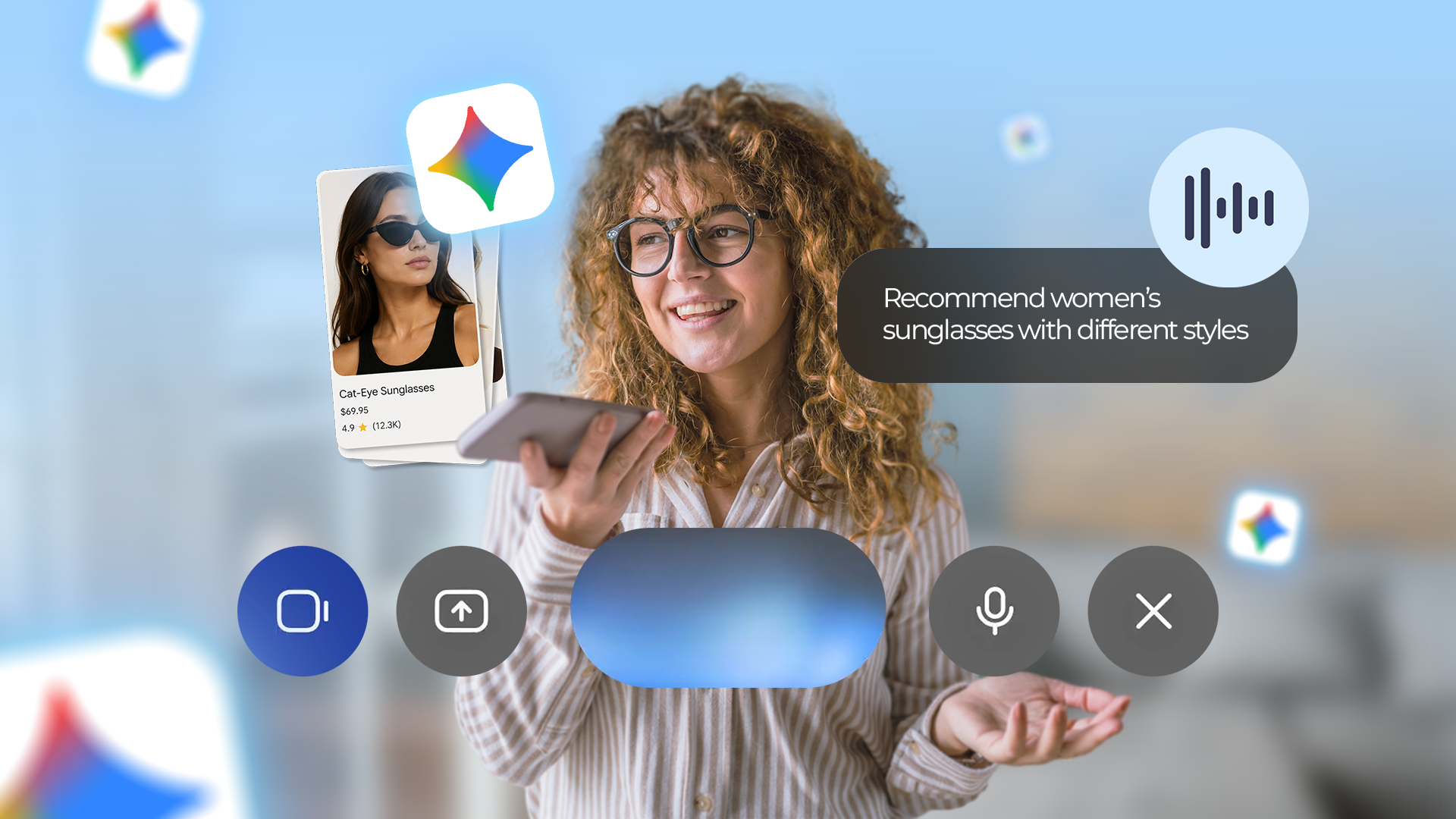
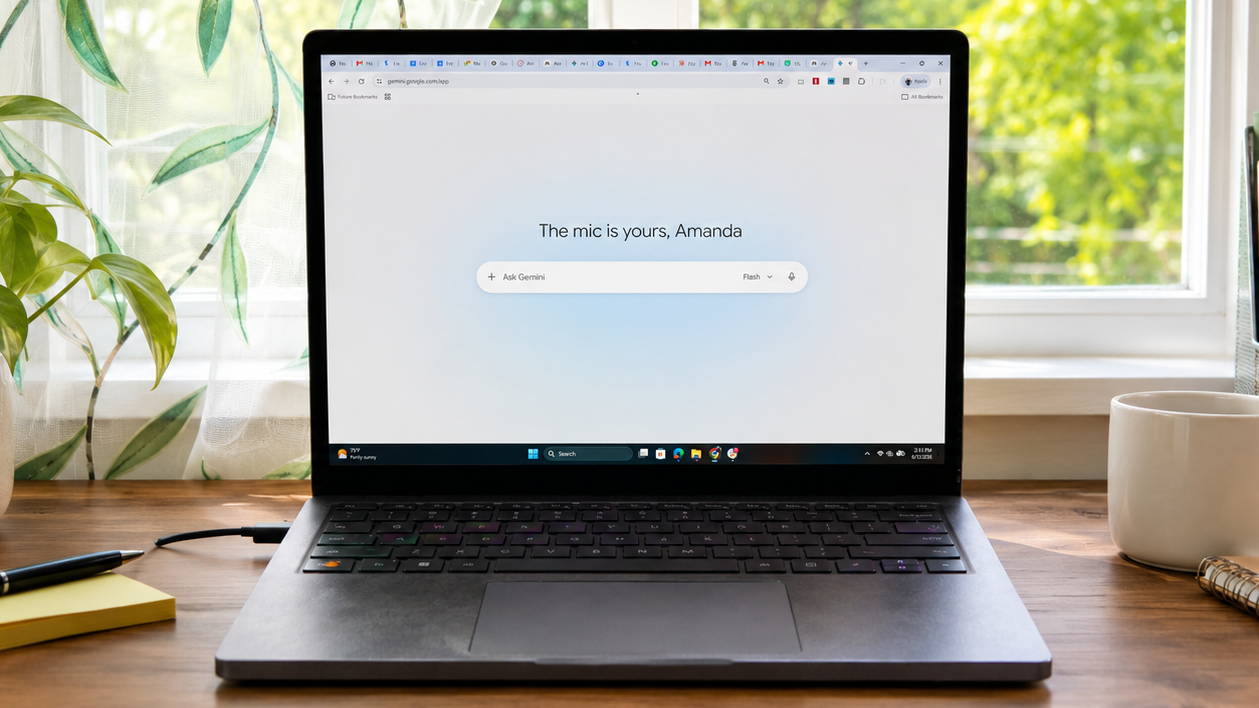
Tom’s Guide AI Editor Amanda Caswell identified the same pattern from a different starting point. The seven features she flagged — Deep Research, Gemini Live, notebook-based projects, YouTube video analysis, Gems, Gmail integration, and scheduled actions — share one property: none of them are available or obvious from the app’s default state. Deep Research requires deliberate navigation. Gemini Live requires tapping a waveform icon that looks decorative. Gems require understanding that the thing you want to build is called a Gem. Each feature is real and, once found, genuinely useful. But the path to finding any of them is not designed for users who opened the app to ask a question and got an answer.
The most consequential of these hidden layers is the Gemini Utilities extension, which MakeUseOf writer Sagar Naresh identified as sitting disabled in Settings by default on Android. Utilities is what allows Gemini to function as an actual device assistant rather than a conversation window — it enables voice commands for the flashlight, alarms, screenshots, battery modes, and bundled multi-task instructions in a single spoken request. Without it, asking Gemini to turn on the flashlight produces a web search result about flashlights. With it, the light turns on. The difference is not incremental. It is the difference between a chatbot and an assistant, and Google ships every Android device with the assistant mode switched off.
What that decision reflects is worth examining. One reading is that Google is being cautious — Utilities connects Gemini to hardware, and a model with live flashlight and camera access is a different kind of risk than one that generates text. Another reading, less charitable, is that the product organisation responsible for Gemini and the teams responsible for Android’s default application states have not resolved who owns the onboarding problem. The result is that the feature exists, works well when enabled, and is encountered mostly by users who go looking for it rather than users who are shown it.
The voice dimension adds a separate layer to all of this. Joy’s account of switching from typed prompts to spoken ones is not primarily about convenience. It is about the structure of the prompts themselves. Typed queries get compressed — users edit out context, shorten explanations, try to make requests efficient. Spoken queries expand. The full problem gets voiced, including the parts a user might have deemed irrelevant when typing. That richer input produces richer output. The model has not changed. The interaction mode has. The quality difference is a function of how much context the user is willing to provide, and speaking produces more of it naturally.
Gemini Live pushes this further. Where the microphone button in the standard interface still operates in a prompt-and-response rhythm — one utterance, one reply — Live allows interruptions, topic shifts, and follow-up questions without restarting the exchange. Caswell described her longest Gemini sessions now happening in Live mode. The removal of the stop-and-start cycle is what makes extended use possible. You do not have to reconstruct context with each new query. The conversation accumulates, and the assistant accumulates understanding of what you actually mean.
None of this is straightforwardly Google’s failure to build a good product. Gemini Spark, announced last month, moves toward persistent memory and proactive assistance — Gemini that acts without being prompted, not just one that responds when called. The Android update that shipped with Gemini Intelligence in May allows multistep task automation across apps and custom widget creation from a spoken description. The engineering is not the problem. What is not yet clear is whether Google believes users will discover the depth on their own, or whether a redesigned onboarding experience is coming that surfaces voice-first use, Connected Apps, and Utilities the moment a new user opens the app.
There is a reasonable argument that buried features are not unique to Gemini. Most software ships with capabilities that only power users ever find. The difference here is that the capability ceiling between default Gemini and fully configured Gemini is unusually wide. A user who opens the app, types a question, reads the answer, and closes it is having a fundamentally different product experience than one who has activated Utilities, connected Gmail and Calendar, and uses Live mode on a walk. The same application. A completely different tool. Whether Google treats that as a documentation problem, a design problem, or simply the natural friction of a sophisticated product maturing in public will determine how broadly Gemini’s actual capabilities ever get used — and how many Android users continue carrying an assistant they have not yet met.