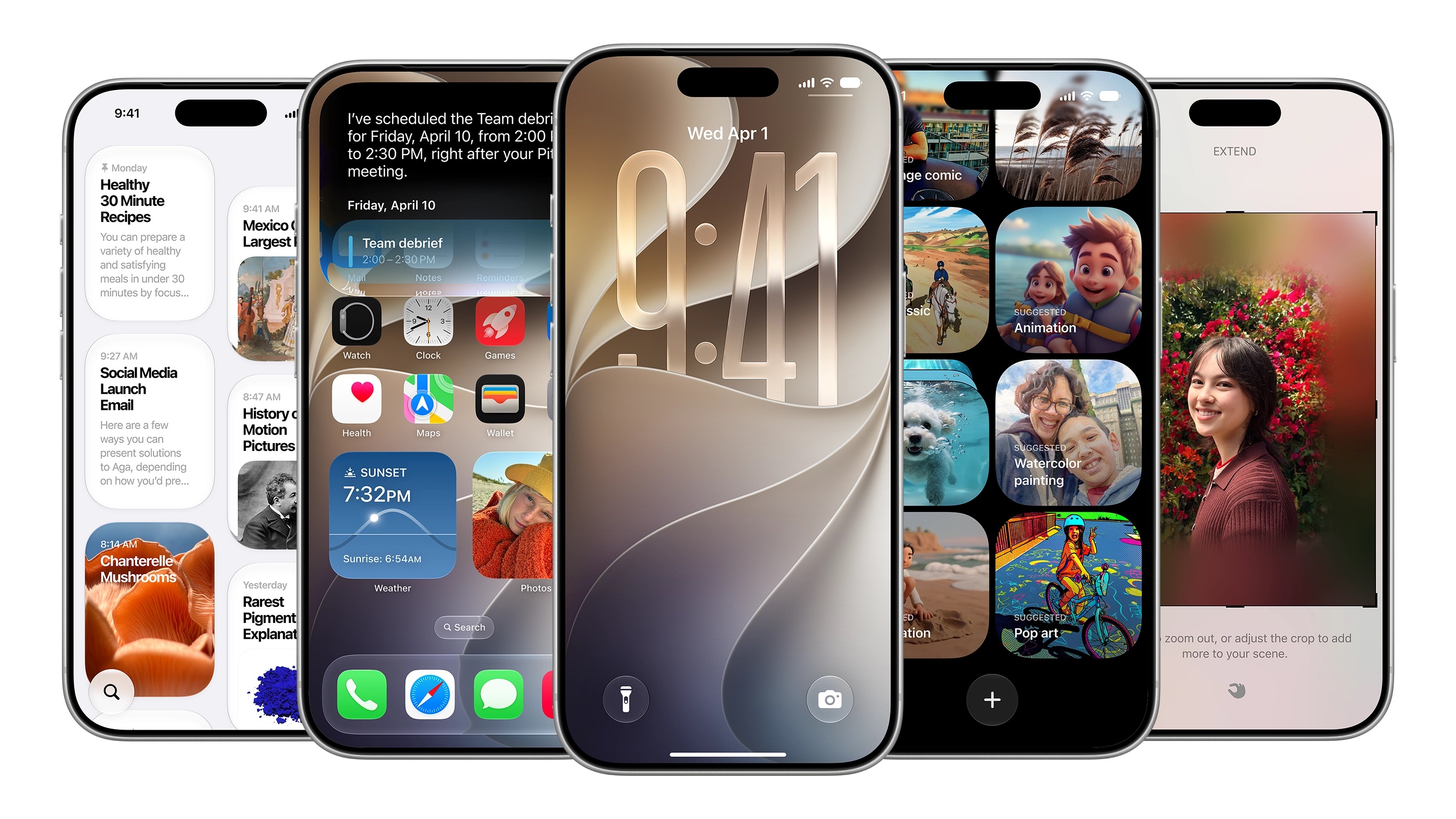

SAN FRANCISCO — For about two hours on Monday, Apple used the stage at WWDC 2026 to talk about artificial intelligence. There was a redesigned Siri, new Apple Intelligence capabilities, and a parade of generative features dressed up as revelations. None of it mentioned the thing that has frustrated iPhone users for more than a decade: you cannot set your alarm to a different volume than your ringtone.
That finally changed with iOS 27. Not in a keynote slide. Not in a press release. Just quietly, in Settings, under a new toggle called “Match Ringtone Volume” — turned off, it reveals separate sliders for ringtone, alarms and timers, and alerts and system sounds. It took Apple roughly fifteen years to get there. Android has had it since 2009.
The volume control is one of more than a dozen small but genuinely useful changes Apple shipped in iOS 27 without saying a word about them during the keynote. They address the kind of daily irritations that no amount of AI model architecture solves: a clipboard that does not offer to paste, a weather app that buries what matters, a Find My feature that forces you to choose between full visibility and complete disappearance. The gap between what Apple puts on stage and what it actually ships gets wider every year, and this year’s gap may be the most consequential yet.
The practical significance of the volume change is easy to understate. Under every version of iOS before 27, the physical side buttons and the digital sliders in Settings treated all sound equally — a decision Apple defended implicitly by never explaining it. The result was that anyone who kept their phone on silent to avoid notification noise also silenced their alarm. Anyone who cranked up their ringtone for a loud environment also cranked up every keyboard click and camera shutter. The system had exactly one setting for sounds that serve completely different purposes.
Now, the three categories can be set independently. To reach the new controls: Settings, then Sounds & Haptics, then toggle off “Match Ringtone Volume” inside either the Alerts and System Sounds section or the Alarms and Timers section. It is not the most discoverable menu Apple has ever designed, but it works.
The volume fix gets most of the attention because it is the one that sharpest illustrates Apple’s design philosophy at its most stubborn. But several other off-stage changes in iOS 27 carry comparable everyday weight, according to a review of Apple’s developer documentation and the initial beta builds that TechCrunch and other outlets examined this week.
The Messages app is gaining a drawing tool — users can now sketch a note or diagram directly inside a conversation and send it. That same interface is getting a customization option for the keyboard row: the voice recording and dictation buttons can be repositioned or hidden entirely, a small but meaningful change for anyone who has accidentally triggered a voice memo in the middle of typing. Clipboard handling is also changing. When you have text or a screenshot on your clipboard, iOS 27 now offers a paste option directly from the keyboard row, similar to the behavior already present for one-time passcodes arriving from Messages.
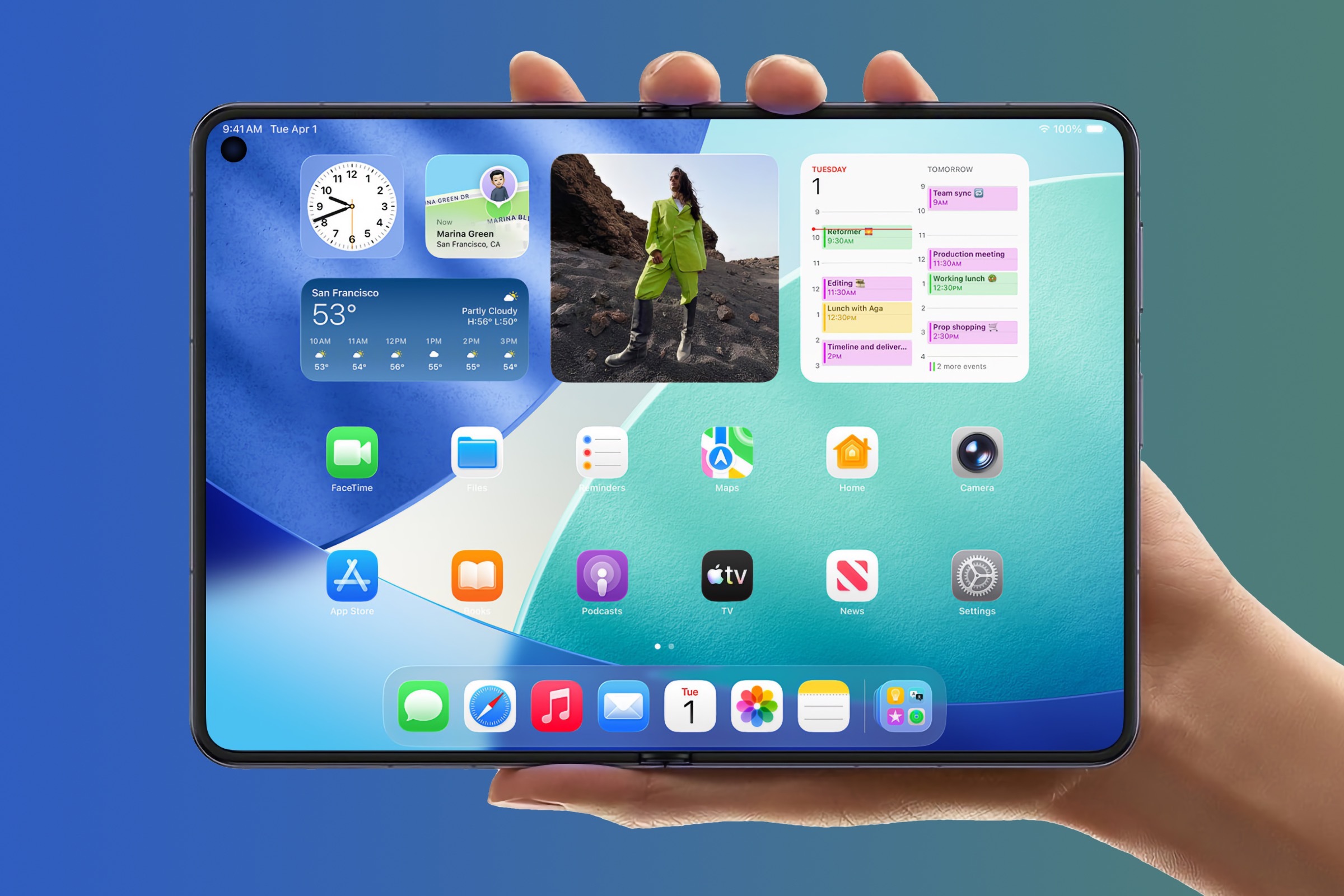
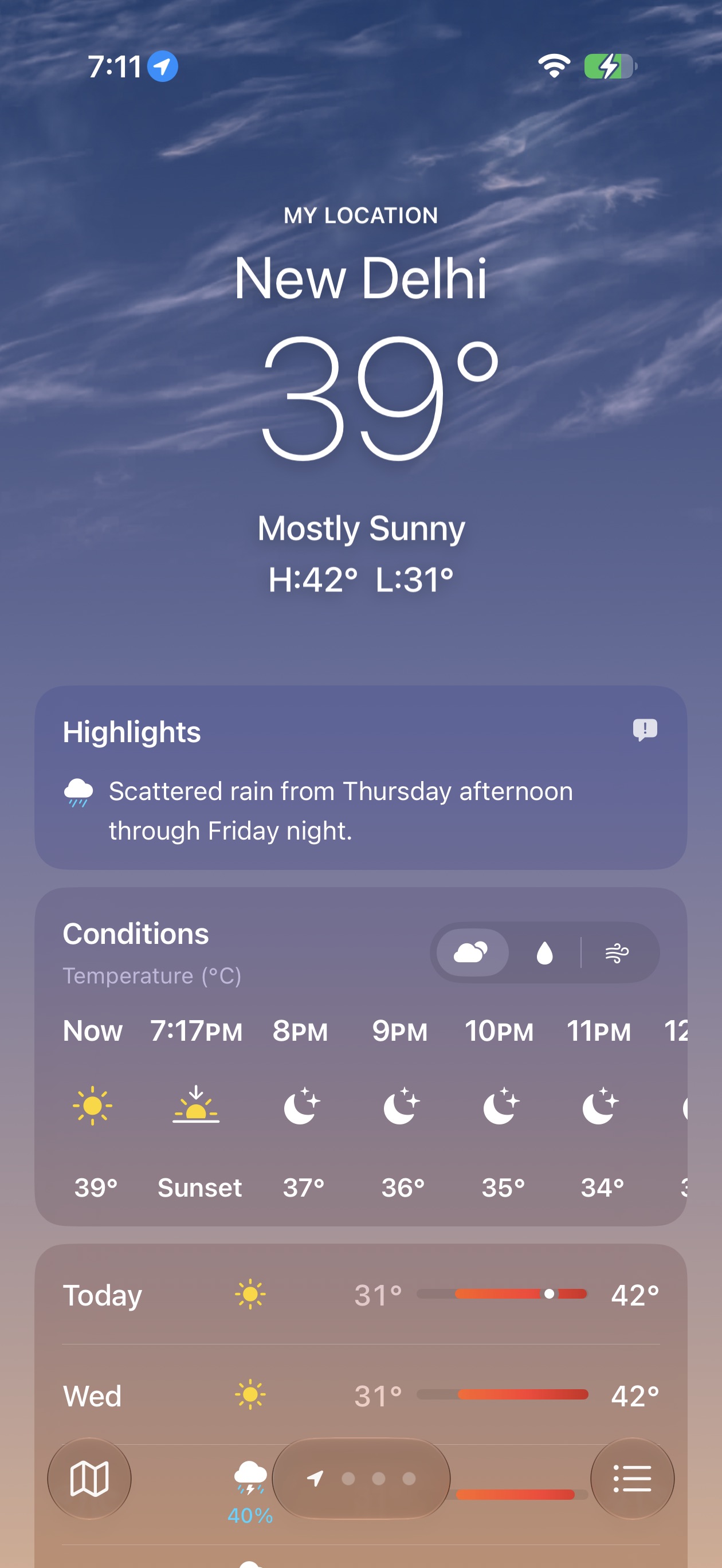
The Weather app is being redesigned in a way that makes the current version feel unambitious. A new highlights section surfaces significant upcoming weather events — not just tomorrow’s forecast but notable conditions across the coming days — and the app finally lets users flip between Conditions, Precipitation, and Wind views without digging. The home screen is getting full-screen widget support, which means users who want their calendar or a news feed to occupy the entire display rather than a corner now have that option.
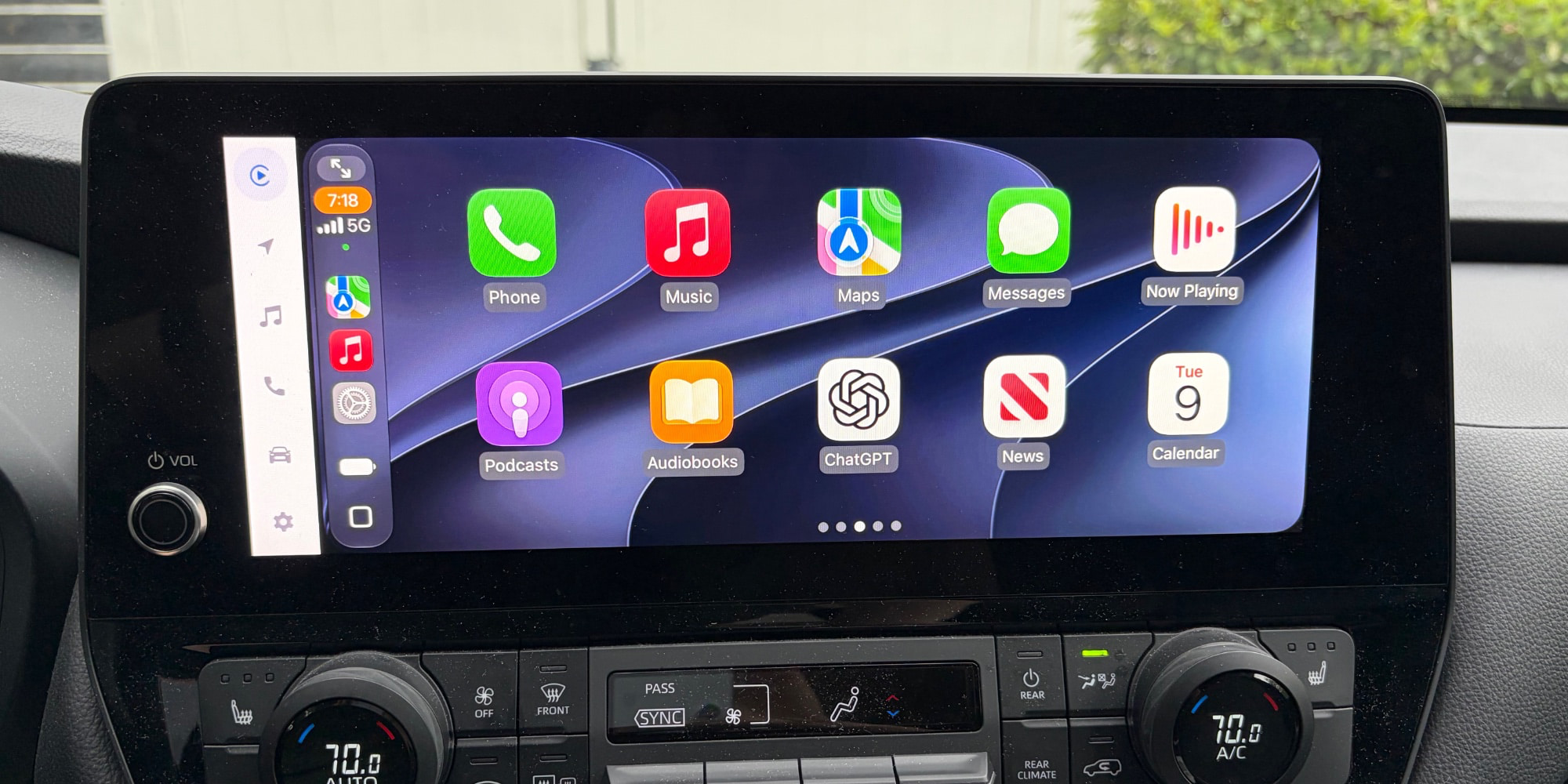
CarPlay is getting audio scrubbing, a feature whose absence has puzzled drivers for years. Find My is gaining a privacy option that allows users to hide their location from a specific contact for a defined period of time without alerting that person that their visibility has changed. The Wallet app will let users create their own custom passes — useful for anyone who has ever had a membership card that a business never digitized. iCloud sync is adding a manual option: users will be able to trigger syncing of files, photos, and health data on demand rather than relying entirely on automatic background behavior.
The pattern across all of these features is the same: they close gaps that Android closed years ago, or they add controls that should have existed since the first version of the relevant app. Apple’s approach to software has always traded configurability for simplicity, and the company has historically been willing to accept the trade even when users were not. What changes in iOS 27 is the number of areas where Apple quietly reversed that position — without, apparently, wanting to say so out loud.
That reticence is telling. Apple did not feature any of these changes in its formal keynote presentation, which ran more than two hours. The volume control fix, the Find My privacy update, the CarPlay scrubbing, the Wallet pass creator — none of them appeared in the slides Tim Cook and Craig Federighi worked through. The AI features did. The new Siri architecture did. A redesigned Liquid Glass interface did. Apple’s WWDC 2026 stage presentation was organized around what the company wants the market to understand about its AI ambitions, not around what most iPhone users will actually interact with most often.
The disconnect is not unique to this year. Apple has a long history of burying quality-of-life improvements in developer documentation while reserving its presentation time for features with more headline appeal. But the AI-era version of this pattern has a sharper edge: in an environment where every tech company is racing to demonstrate generative credentials, the pressure to lead with intelligence rather than usability is acute. Granular volume controls do not make a compelling demo. They make a compelling phone.
There is also a competitive dimension that Apple did not address onstage but that will be difficult to ignore. Android has been iterating on its own audio and media control redesigns throughout 2026, with Google’s Material 3 updates giving Pixel users increasingly granular sound management options. For the portion of the smartphone market actively weighing a platform switch, iOS 27’s late arrival to independent volume control is a genuine argument point — and Apple chose not to own the narrative around it.
What makes this batch of off-stage features unusual is the breadth. It is not just one overlooked setting or one patch to a minor app. The first iOS 27 developer beta has already surfaced changes across Messages, Weather, Find My, CarPlay, Wallet, iCloud, and core system audio — most of them responsive to complaints that have appeared in Apple’s feedback forums and on Reddit for years. The company was clearly listening. It just was not in the mood to admit it.
iOS 27 arrives for public users this fall. What the keynote promised was a smarter Siri. What the Settings app quietly delivered was an iPhone that finally lets you sleep through your notifications.