
SAN FRANCISCO – For a while, there was a small community of developers who tried to build flight games on top of Google’s 3D Tiles API – the same photorealistic satellite mesh that makes Google Earth look the way it does. The problem, as one developer put it in a widely circulated post, was that Google owned the data and charged heavily for it. “You made a web game using Google’s 3D tiles and quickly your bill would be $10,000,” the developer wrote. The economics killed the idea every time.
On June 12, Google solved that problem in the most direct way imaginable: it built the flight simulator itself.
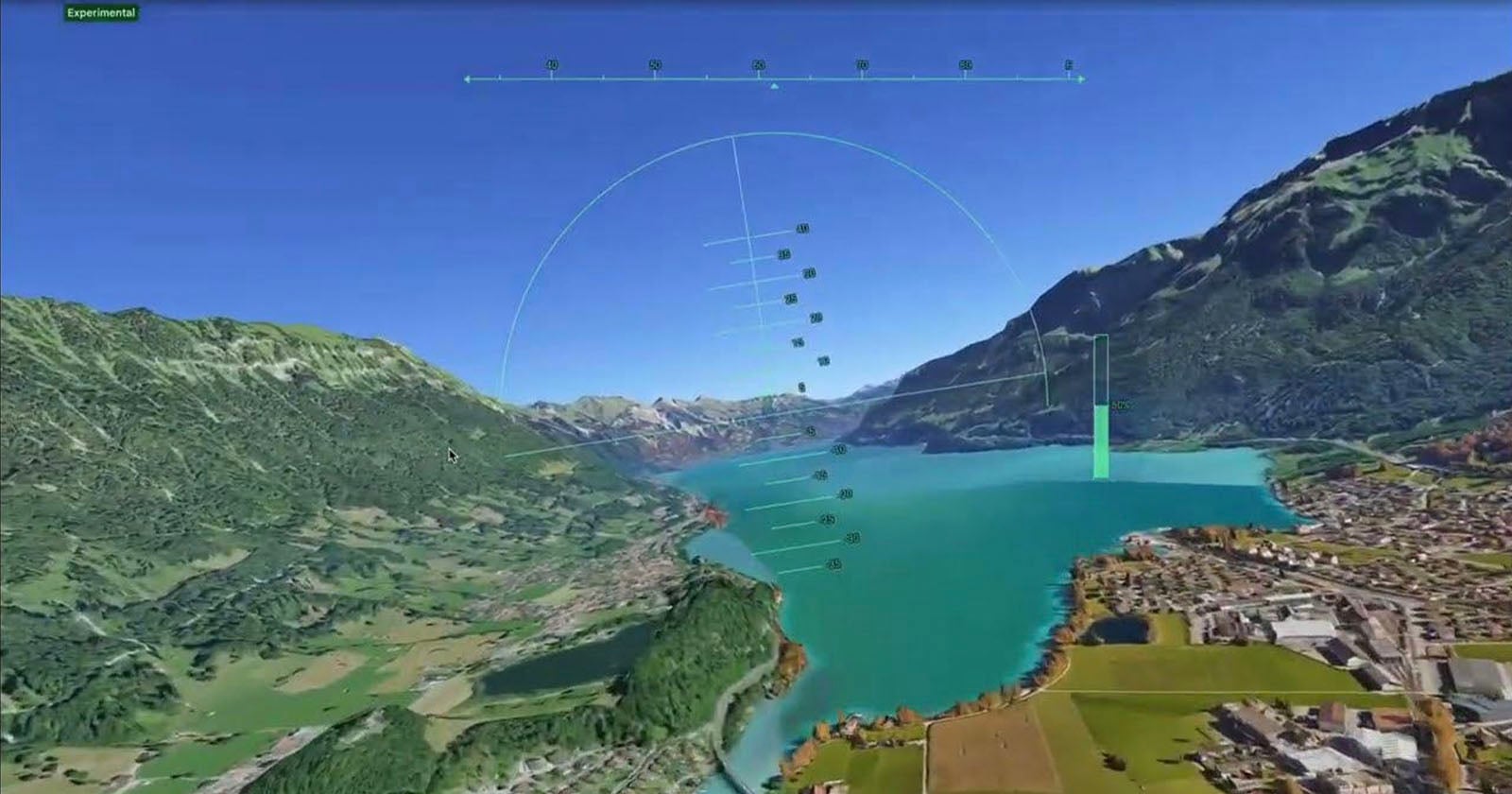
The company quietly pushed an experimental flight simulator to the web version of Google Earth, making it available globally to anyone with a desktop browser and a Google account. No download. No payment. No specialized hardware. The feature – tucked inside the Tools menu after clicking “Explore Earth” – puts a simple aircraft over streamed 3D terrain in under a minute. Arrow keys steer. Page Up accelerates. The Eiffel Tower appears beneath the wings, roughly to scale, textures loading as the aircraft banks over the Seine. It is, as the developer community immediately noted, everything they spent years trying to build for themselves.
That history matters. Google has offered a flight simulator since 2007, but only as a hidden Easter egg buried inside the Google Earth Pro desktop application – a feature that required software installation, a specific keyboard shortcut, and enough insider knowledge to know it existed. The web version arriving this month is not an upgrade to that old Easter egg so much as a deliberate strategic repositioning of it. Google has been migrating its most powerful desktop-only Earth Pro features to the browser in recent months, adding elevation profiles and expanded data import tools. The flight simulator was the feature users had long requested most. By fulfilling that request inside its own controlled environment, Google effectively removed the commercial rationale for anyone else to try.
The comparison everyone is reaching for is Microsoft Flight Simulator 2024, the most technically demanding entry in one of gaming’s oldest franchises, which runs on Microsoft’s Bing Maps photogrammetry data and requires a purpose-built PC, a subscription model, and, for serious enthusiasts, a dedicated cockpit setup at home. Google is explicit that this is not a competitor to that product. The company’s own documentation describes the physics engine as designed for “casual exploration rather than high-fidelity aerodynamic training.” Stalls are nearly impossible. There is no weather. The aircraft handles with the forgiving responsiveness of a sightseeing drone, not an F-16.
The closer rival – and the one that has drawn less coverage – is GeoFS, a free browser-based simulator that uses the same Cesium globe framework underlying Google Earth and has operated for years as the no-download alternative to Microsoft’s premium product. GeoFS offers realistic flight physics, live weather data pulled from meteorological services, real-time commercial air traffic via ADS-B, and a multiplayer mode. It is a more serious flying experience by almost every technical measure. Google Earth’s version trades all of that sophistication for something GeoFS cannot offer: the seamless integration with the world’s largest satellite imagery archive, at zero friction, with no API costs to anyone.
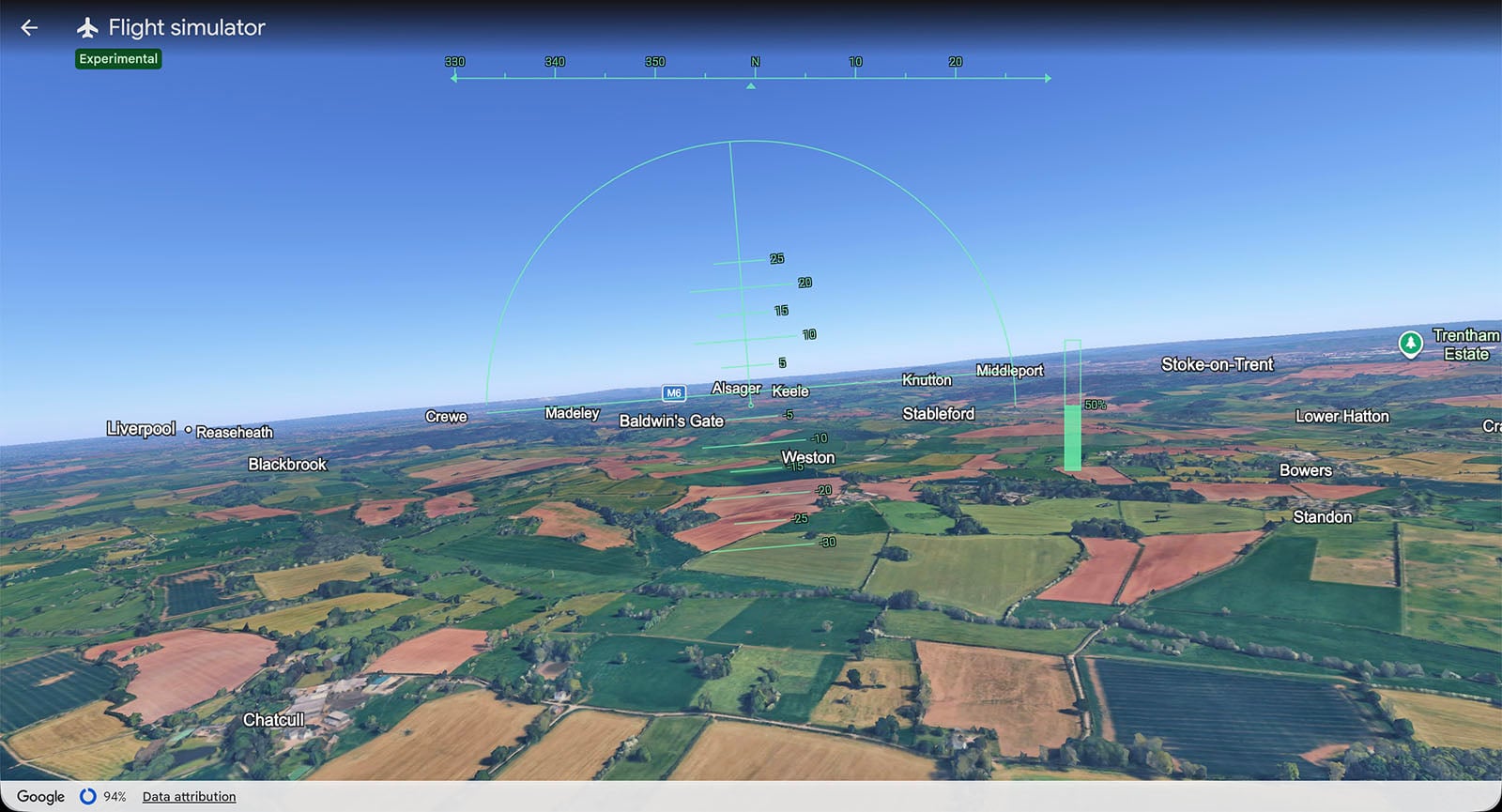
The experience has real limitations that users discovered quickly after launch. Dense urban environments present the most visible challenge: fly too fast over central Manhattan or the City of London and the photogrammetric buildings dissolve into blurred polygons before the streaming pipeline can resolve them. A mid-range laptop on a 300 Mbps broadband connection gets roughly 30 to 40 frames per second at 1080p, with occasional stutters over high-density city cores. Mountainous terrain fares better – the shapes are large enough that lower-resolution tiles still read correctly at speed. Users on slower connections will find themselves flying over abstracted geometry that only sharpens after they have already passed.
None of that has dampened the response. In the hours after launch, social media carried clips of users attempting barrel rolls under the Golden Gate Bridge, inverted flight over the Grand Canyon, and rooftop landings on skyscrapers that the simulator’s physics occasionally permit. The reaction from the developer community carried a sharper edge. Several noted that Google had effectively resolved the platform access problem by absorbing the use case entirely. One comment, shared widely in developer forums, captured the dynamic: “Google got tired of all the vibe-coded simulators built on 3D tiles and said – screw it, flight sim on web, free for all – no need to burn API credits.”
What Google has not addressed is what comes next. The developer who originally raised the 3D Tiles cost problem also noted, in the same post, that Microsoft Flight Simulator can operate on Bing Maps data precisely because Microsoft owns that pipeline outright – the same structural logic that now allows Google to offer this feature without any usage billing. Whether Google intends to expand the simulator – adding aircraft models, weather systems, multiplayer, or the combat modes some users have requested – remains unconfirmed. The company’s announcement framed this explicitly as experimental, which is a phrase that in Google’s product vocabulary can mean a permanent fixture or a six-month feature quietly dropped in a future update.
The flight simulator arrives as Google is navigating a more competitive mapping and imagery landscape than it has faced in years. Apple’s detailed 3D Maps have matured significantly, particularly in urban centers across North America and Europe. Microsoft’s partnership with Asobo Studio on Flight Simulator has demonstrated that high-fidelity photogrammetry data can anchor a commercially successful product built around a single use case. By embedding a version of that use case into Earth, Google reasserts that the most compelling thing you can do with satellite imagery of the entire planet is accessible only on its platform, in its browser, on its terms.
The flight physics, as noted, are arcade-tier. That is not an engineering limitation – it is a positioning decision. What Google built is not a simulator for pilots or aviation enthusiasts. It is an advertisement for what its data can do when the barrier to access drops to zero. According to Google’s AI Mode announcement last week, the company now reaches more than a billion users through its AI-integrated products – a user base that represents an enormous potential audience for a tool that requires nothing beyond a browser tab and a curiosity about what the world looks like from above.
Whether developers building in the browser-based simulation space view this as a long-overdue gift or an existential competitive move is a question that Google’s documentation page, which describes the feature simply as a tool for flying “anywhere on planet Earth,” declines to answer.