
A smartphone becomes a lifeline when the lights go out, but keeping it charged is only half the problem. Battery-saving settings can stretch the remaining charge while also changing how alerts and emergency features work.
Tom’s Guide has outlined four phone adjustments for a power outage, drawing on advice from Marcus Clarke, founder of The Prepared Household: enable a battery-saving mode, switch off unused wireless connections, reduce screen use and filter nonessential notifications.
The useful distinction is between conserving power and cutting off a way to communicate. A working hotspot, an essential Bluetooth accessory or an emergency alert should not be treated like an unnecessary background task.
1. Use battery-saving mode, but check emergency features
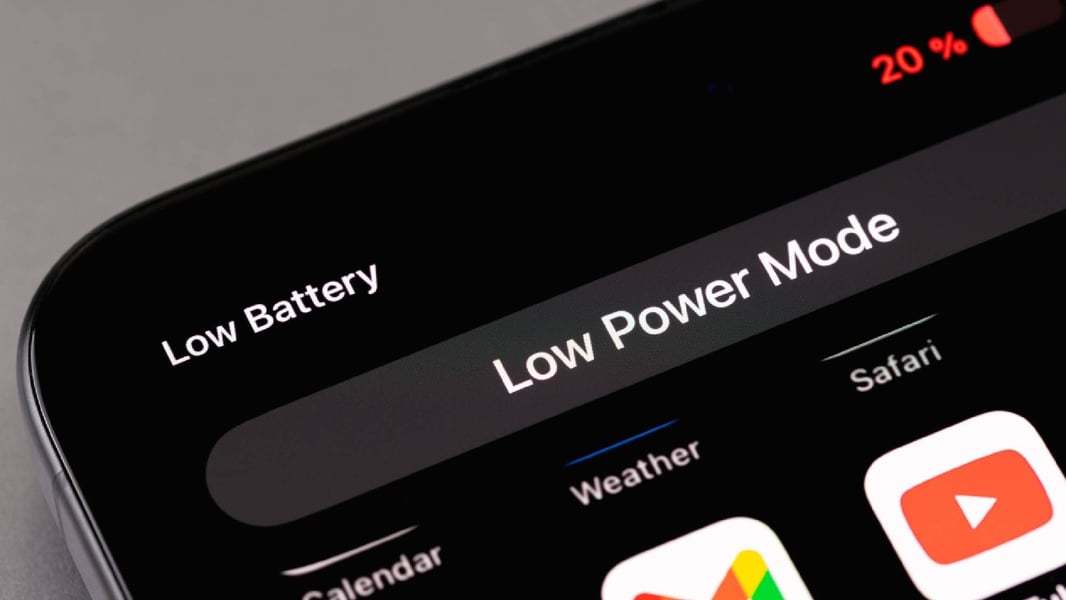
On an iPhone, look for Low Power Mode in the Battery settings. Android phones generally offer Battery Saver or Power Saving through Settings or Quick Settings, though names and menus vary by manufacturer. These modes reduce background activity and other power demands.
The Eastern Herald’s coverage of Low Power Mode provides background on the trade-off between reduced power use and performance. During an outage, however, emergency access matters more than responsiveness alone.
There is a significant Pixel-specific warning: Google’s emergency guidance says Emergency SOS and Car Crash Detection do not work when Battery Saver is on. This concerns those features, not a blanket claim that ordinary emergency calls become impossible. Check the safety features you rely on before enabling the mode.
2. Turn off connections you are not using
If the home router has lost power and there is no working Wi-Fi connection, switch Wi-Fi off. Bluetooth can also be disabled if no essential accessory needs it. Keep a connection available when it is your route to information or communication.
On iPhone, the distinction between disconnecting and switching off matters. Apple explains that Control Center’s Wi-Fi and Bluetooth buttons disconnect networks and accessories while leaving the features available for some services. To disable them completely, use their switches in Settings. Do not assume every Android shortcut behaves the same way.
3. Reduce brightness and shorten the screen timeout
Lower brightness to a level that remains comfortably readable, and reduce the time the screen stays on after use. Tom’s Guide recommends a 30-second Auto-Lock on iPhone and a 15- or 30-second screen timeout on Android.
The goal is to spend less time with the display lit, not to make emergency information difficult to read. Check essential updates deliberately instead of repeatedly opening the screen. Broader smartphone battery management is a separate issue from preserving the charge available during a blackout.
4. Filter distractions without silencing important contacts
Do Not Disturb can reduce interruptions, but configure its exceptions before turning it on. Allow the contacts and repeated callers you need to hear from, and review emergency-alert settings separately.
Google warns that Do Not Disturb can silence notifications and battery-saving settings can delay some alerts. On Pixel phones, wireless emergency alerts have their own controls under Notifications. Leave relevant safety warnings enabled.
These steps apply to both phone families, although menus differ; the recent Samsung Galaxy software rollout is another reminder that instructions depend on the device and software version.
None of the adjustments guarantees a particular number of extra hours. Remaining charge, battery condition, signal strength and usage all affect the result. The priority is a phone that lasts longer while retaining the communications and safety functions its owner needs.