CUPERTINO — The Camera app Apple ships on every iPhone has already been redesigned once in the last 12 months. iOS 27, according to Bloomberg’s Mark Gurman, rewrites it again. That double-revision, arriving before most users have fully adapted to what iOS 26 changed, says something about where Apple’s design priorities actually sit in 2026 — and which apps the company believes are load-bearing walls in the daily life of an iPhone user.
iOS 27, set to be unveiled at WWDC on Monday, is not only a features update. It is an interface update that runs through the fabric of built-in apps at different depths. Two apps are getting major structural redesigns. Three more are getting targeted visual refreshes. And one system-level change to the Liquid Glass navigation bar is set to ripple through Music, TV, Podcasts, News, Health, and any other app that adopted the pattern Apple introduced last year.
The result is the most sustained redesign effort Apple has applied to its native app portfolio since iOS 7 — not in visual ambition, but in the breadth of simultaneous changes hitting in a single release. Whether that breadth reads as coherent improvement or accelerated churn will depend almost entirely on how the revisions feel in practice.
The Camera app redesign is the heaviest lift. Apple rebuilt the Camera interface in iOS 26 with updated controls and a reworked layout. In iOS 27, Gurman reports the app becomes fully customizable — users will be able to choose which features appear and where they are placed. That is a meaningful shift in philosophy: Apple has historically guarded the Camera app as a tightly curated experience with minimal user configuration. A fully customizable layout implies Apple has decided that users’ divergent workflows — long-exposure photography, casual video, nutrition label scanning — are too varied to be served by a single fixed arrangement.
The second change to Camera is structural rather than cosmetic. A new Siri mode will join the existing Photo and Video options in the app’s mode selector. The Siri Camera mode is expected to consolidate all of iOS 27’s visual intelligence features — object lookup, contact capture, nutrition tracking via label scanning — into a single dedicated camera state rather than scattering them through menus. The logic is sound: if a user reaches for the Camera app to identify a plant or scan a business card, they should not need to know which submenu holds that capability.
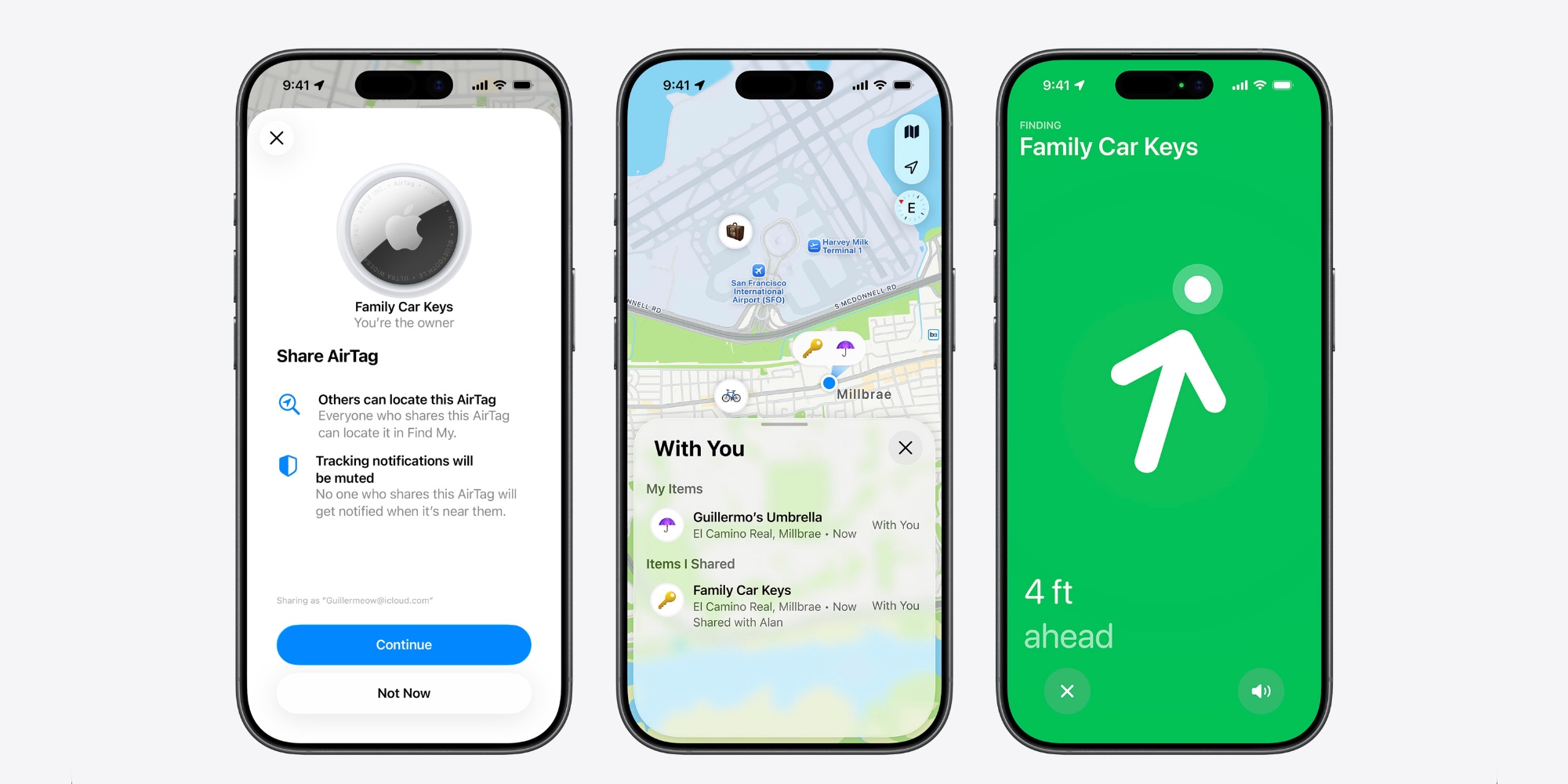
Image Playground, the AI image-generation tool Apple introduced in iOS 18, is the other app undergoing a complete rebuild. Bloomberg reports the app has been entirely redesigned across iOS 27, iPadOS 27, and macOS 27 — a simultaneous cross-platform overhaul that is unusually broad even by Apple’s standards. The changes are reported to include a gallery redesign and a simplified set of controls for creating and editing images. Apple has historically struggled to position Image Playground clearly — it sits between a toy and a creative tool — and the redesign suggests the company is still working out what it wants the app to be. A simpler interface could mean Apple is pushing it toward the casual end of that spectrum, treating it as a one-tap creative feature rather than a standalone application with depth.
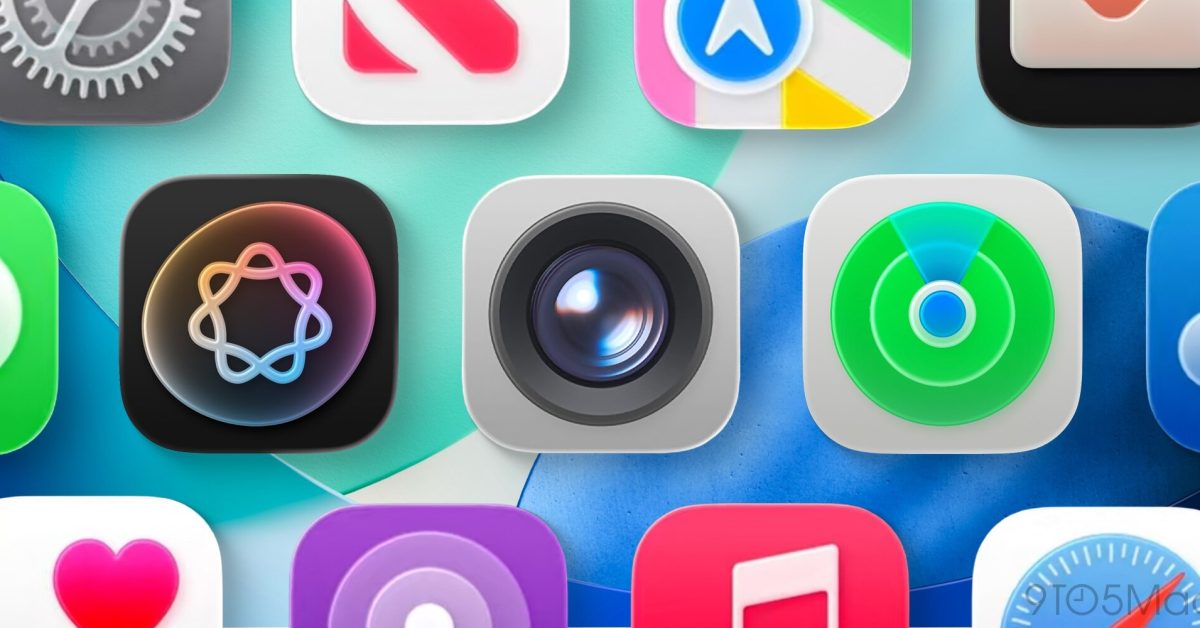
The three apps receiving lighter treatment — Find My, Weather, and Safari — tell a different story. Each gets a specific intervention rather than a broad rethink. Find My is expected to receive a visual refresh with new icons in the tab bar, described by Bloomberg as subtle. Weather is gaining a new Conditions panel on the main city page, allowing users to see wind, rain, and other data alongside temperature without digging into sub-screens. Safari is adding a restructured start page with four tabs across the top — Favorites, Bookmarks, Reading List, and History — to make navigating saved content faster. Each of these changes addresses a friction point that has existed in the app for years: Find My’s navigation, Weather’s information density, and Safari’s buried reading-list access. None of them are redesigns. They are corrections.
The Liquid Glass tab bar change operates at a different level than any of the above. In iOS 26, Apple moved the search function to a fixed position in the bottom-right corner, separate from the main tab bar. The change was controversial — developers adapting their apps to Liquid Glass found the split navigation difficult to work with, and users found it inconsistent. iOS 27 is expected to reintegrate search with the rest of the tab bar, reverting to a unified navigation strip. Bloomberg’s Gurman reports this change affecting Music, TV, Podcasts, News, and Health specifically, but the fix is expected to apply across all apps that inherited the iOS 26 pattern.
That makes the tab bar reintegration the single most consequential design change in iOS 27, not because it adds anything, but because it fixes something Apple shipped at scale just a year ago. The parallel situation on macOS 27 involved similar course corrections after Liquid Glass drew sustained criticism from longtime Mac users when it debuted. On iOS, the criticism was narrower but the scope of the fix is broader: reintegrating search touches the entire navigation paradigm, not just a visual treatment.
It is worth sitting with what that implies. iOS 26 introduced Liquid Glass as Apple’s most significant interface evolution in a decade. Less than twelve months later, iOS 27 is correcting a navigation decision that was central to how Liquid Glass worked in practice. That is not an unusual cadence in software development, but it creates a specific pressure for Apple’s design team: if the corrections in iOS 27 read as admissions that the initial design was wrong in meaningful ways, the credibility of the broader Liquid Glass direction becomes harder to maintain.
The pre-WWDC reporting, sourced primarily through 9to5Mac, does not frame the tab bar reintegration as a retreat. It frames it as a refinement. The distinction matters commercially — Apple cannot afford to describe Liquid Glass as a mistake — but it matters less to the user than whether the navigation bar in the Music app finally stops requiring a separate thumb movement to search a library.
What the full picture of iOS 27’s design changes reveals, taken together, is a hierarchy of attention. The Camera app and Image Playground sit at the top: both are receiving the kind of thoroughgoing structural reconsideration that signals Apple’s core strategic bet. Camera is the iPhone’s competitive differentiator against Android, and the fully customizable layout combined with the Siri mode integration shows Apple treating it as unfinished in ways that require fundamental rethinking. Image Playground’s cross-platform simultaneous redesign suggests Apple is not prepared to let the app atrophy as a novelty feature, even if its ultimate positioning remains unclear.
Find My, Weather, and Safari occupy the middle tier — maintained, improved, but not reimagined. And the Liquid Glass tab bar fix occupies its own category: infrastructure repair that should have been unnecessary if the original design had resolved navigation cleanly.
Eastern Herald has previously covered the broader Siri and interface overhaul Apple is expected to unveil, as well as the seven major features the update is expected to deliver. The app-level design changes documented above are distinct from both: they are not features in the conventional sense but the scaffolding around which features get built and used. Apple has never been shy about calling its interface work invisible. In iOS 27, more of it is becoming visible — because more of it is being done in public view, one app at a time.
WWDC 2026 opens Monday June 9 at Apple Park. The iOS 27 developer beta is expected to be available within hours of the keynote’s end, at which point the full scope of the redesigns — and what the pre-release reports got right and wrong — becomes verifiable.