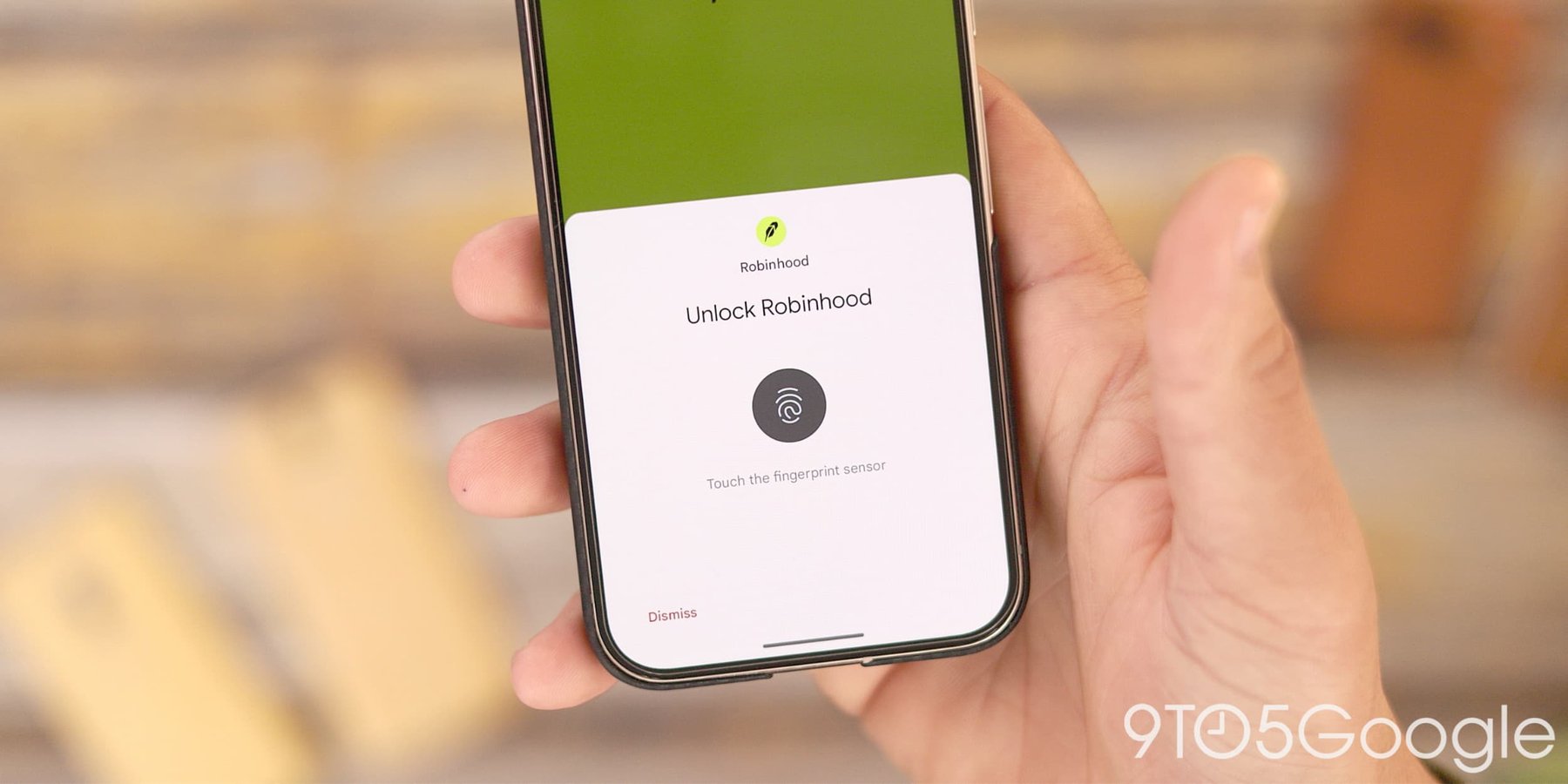

SAN FRANCISCO — A passkey is supposed to be the security industry’s answer to the password: no string of characters to type, no credential to steal, no phishing email that tricks you into giving it away. In March 2026, more than 400 million websites had adopted passkey authentication. Google Password Manager alone holds the passkeys for tens of millions of Chrome users worldwide.
Last month, researchers at Unit 42, Palo Alto Networks’ threat research division, found four ways to steal them anyway.
The research, published Sunday by Unit 42 researchers at Palo Alto Networks and reported Monday, describes an attack the team calls Pass-ta-key. All four methods target Windows machines already infected with malware, and all four reach the same destination: a victim’s passkeys, transferred silently to an attacker without the user typing anything, clicking any link, or doing anything wrong.
The first method, and the simplest, works by exporting the cryptographic identity key to disk before the secure Trusted Platform Module can protect it. Malware that intercepts this step gets a copy of the key it was never meant to see. From there, authenticating to a website as the victim takes no additional effort.
The second, which Unit 42 calls the “Silver” method, does not steal the key at all. Instead, it lies to Google Password Manager. The malware convinces the password manager that the device has already been unlocked biometrically, then registers its own cryptographic key during the window when the system is waiting for the user to verify. The result looks, to the website, like a legitimate login.
The third and most damaging method exploits a flaw in how Chrome logs its own internal processes. An encryption string called the SDS, which Chrome uses to protect synced passkeys, leaks into Chrome’s log system and remains in the application’s memory. Malware that dumps Chrome’s memory can recover the SDS and use it to decrypt every passkey the browser holds.

The fourth method follows from the third: once an attacker has the SDS, they can decrypt all future passkeys unless the user generates a fresh one. Changing the compromised password does nothing. The underlying key that protects all the passwords is what has been taken.
Unit 42 disclosed the findings to Google before publication. The company did not respond to requests for comment about whether fixes are in development.
The critical caveat in all four methods is the same: the Windows machine must already be compromised. None of the Pass-ta-key attacks works remotely on a clean device. Passkeys remain safer than traditional passwords in most real-world conditions. Unit 42’s research does not overturn that conclusion. It challenges a different one.
When Google and Apple and Microsoft began marketing passkeys, the pitch was that the credential lived on your device and only your device, secured by biometrics or a PIN that never left the local hardware. That architecture is solid. What Pass-ta-key exposes is that Chrome’s passkey implementation makes an additional assumption: that the software running on the device can be trusted to handle the keys honestly. On an infected machine, that assumption does not hold.
The pass-through risk is not unique to Google. Unit 42 noted that other passkey providers using cloud authenticator models face similar architectural exposure. The four methods disclosed this week target Chrome specifically because that is where the researchers looked, not because Chrome is uniquely careless. Any cloud-synced passkey implementation faces the same underlying question: what happens when the device holding the key is no longer yours?
Google Password Manager’s passkeys, like all passkeys synced across devices, must be exported from hardware at some point. That export creates a window. What Unit 42 found was that the window is wider than Google’s marketing suggests. Prior research on password manager vulnerabilities from ETH Zurich in June raised similar questions about the vault model itself; this week’s research narrows that to a specific mechanism inside Chrome’s passkey architecture.
For Chrome users, the practical response is limited. Keeping devices free of malware by running updated antivirus software, avoiding suspicious downloads, and not clicking on links in unsolicited emails remains the most effective defense. None of those precautions are new. The thing that is new is knowing what an attacker gains once they are already inside.
Unit 42 researchers suggested monitoring for unexpected Chrome memory dumps and checking for unusual registry activity as signs that a Pass-ta-key attack may be underway. These are not steps the average user can take meaningfully. They are guidance for enterprise security teams.
Google’s implementation of Android passkeys uses a different architecture, device-bound rather than cloud-synced, and Unit 42 did not report comparable vulnerabilities on Android devices. The risk disclosed this week is specific to Chrome on Windows. Mac users on Chrome, and all users on Android, are not directly affected by these four methods.
The research appears in a week when hardware security failures at Coldcard demonstrated the same principle in a different domain: the security model printed on the box is only as reliable as the assumptions underneath it. For Coldcard, the assumption was that offline devices cannot be compromised algorithmically. For Google passkeys on Chrome and Windows, the assumption is that the operating environment can be trusted. Neither assumption was labeled. Neither proved true.
According to 9to5Google, which first reported the research, Unit 42 has not disclosed whether any Pass-ta-key techniques have been observed in active exploit kits in the wild. For now, the attack is theoretical. Whether it stays that way depends largely on how quickly Google moves.