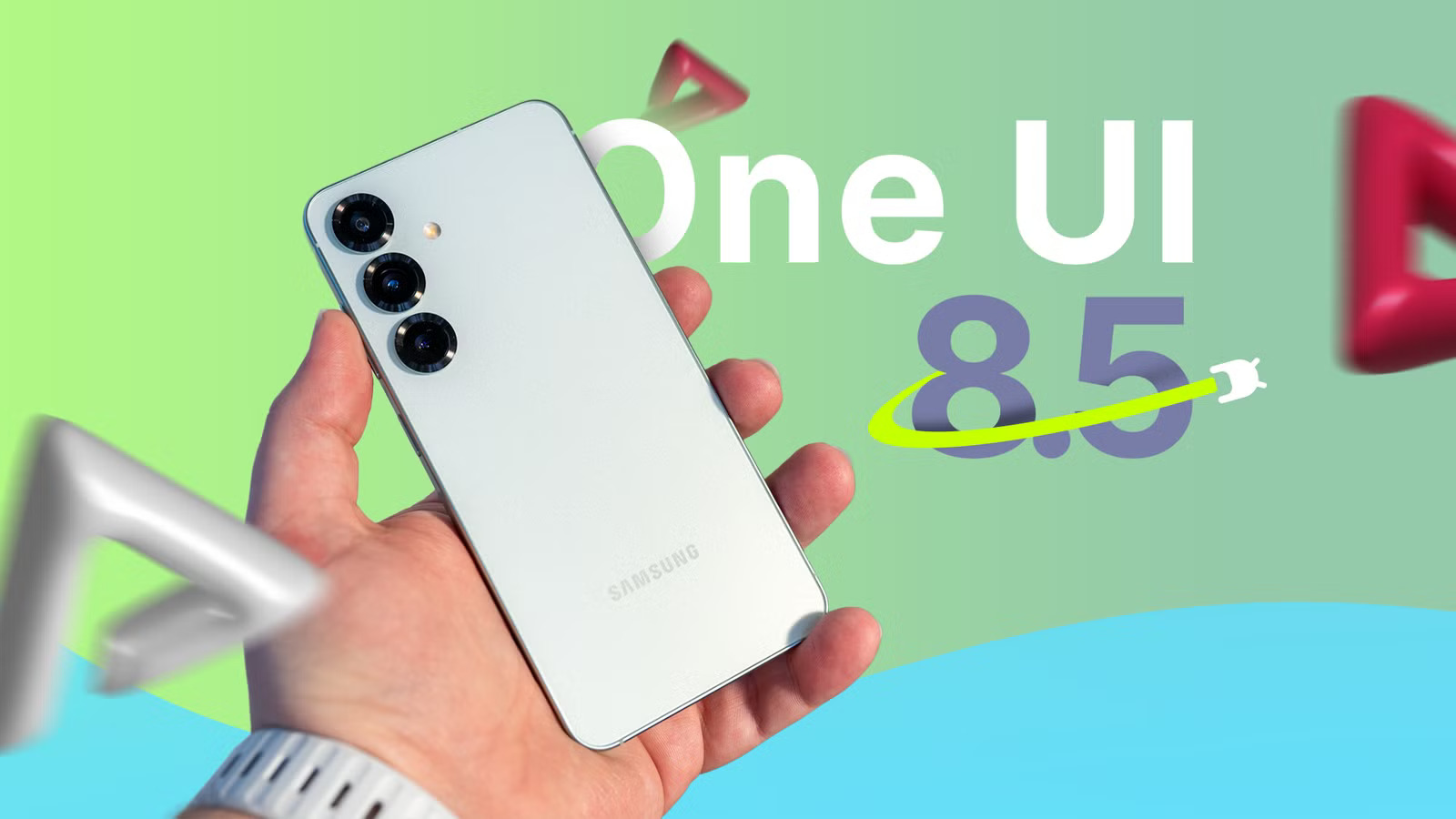
Samsung is rolling out a major quality-of-life improvement for Galaxy users with a new Device Care feature designed to tackle one of Android’s most persistent frustrations: apps that spam users with intrusive advertisement notifications.
The feature, which is part of a broader One UI 8.5 rollout, introduces an automated system that can identify apps sending excessive promotional alerts and restrict their background activity to stop notification abuse.
According to early rollout details, the feature is being delivered through Device Care updates and is gradually appearing on select Galaxy devices.
A Direct Response to Notification Spam on Android
For years, Android users have struggled with apps that aggressively push ads through notifications. These include shopping apps promoting constant deals, free games sending repetitive reward alerts, and utility apps that quietly turn into marketing channels after installation.
Samsung’s new system directly targets this behavior by analyzing app activity and flagging those that exceed acceptable notification thresholds. Once flagged, apps can be placed into a restricted state that limits background execution and reduces their ability to send alerts.
This approach goes beyond traditional notification toggles, which require users to manually disable alerts for each app.
How Samsung’s “Excessive Ads” Blocking Works
The feature is integrated into Samsung’s Device Care system and reportedly operates in two modes:
Basic Detection Mode
This mode uses Samsung’s internal database to identify known apps that frequently abuse notification permissions.
Intelligent Blocking Mode
A more advanced system that analyzes incoming notifications in real time and determines whether they are likely advertisements before taking action.
Technical breakdowns suggest the system may rely on behavioral analysis rather than simple keyword filtering. Samsung Device Care ad blocking analysis
Apps identified as problematic can be automatically pushed into a low-power or deep sleep state, reducing their ability to operate in the background.
Part of the One UI 8.5 Evolution
The feature is closely tied to Samsung’s broader software upgrade strategy under One UI 8.5, which is gradually rolling out across newer Galaxy devices.
Samsung has been expanding system-level intelligence across its ecosystem, including performance optimization, battery management, and AI-assisted behavior tracking.
The new ad-blocking system fits into this pattern by giving users more control over unwanted digital behavior without requiring manual intervention.
More details about Samsung’s software rollout strategy can be seen in its broader One UI 8.5 expansion plans.
Samsung One UI 8.5 rollout expansion
Why This Feature Matters for Android Users
Notification spam has become one of the most criticized aspects of modern mobile software. Unlike browser ads, notification-based advertising appears directly in the same space as messages, banking alerts, and personal reminders.
Once users begin ignoring notifications due to spam overload, the entire system loses reliability.
Samsung’s approach attempts to solve this by targeting the source instead of relying on user discipline.
Industry observers note that this represents a shift toward stricter platform-level enforcement of notification behavior, rather than leaving control entirely in the hands of app developers.
Competition in the Android Ecosystem
Samsung is not alone in trying to improve notification management. Google has gradually refined Android’s notification channels, while other manufacturers have introduced focus modes and AI-based filtering systems.
However, Samsung’s method is more aggressive because it directly restricts apps based on behavior rather than user settings alone.
User Experience and Developer Impact
While users are expected to benefit significantly from reduced notification clutter, the feature may impact developers who rely heavily on push notifications for engagement and monetization.
Many free Android apps depend on advertising notifications as a primary revenue driver, and stricter system-level enforcement could force changes in how these apps operate.
Still, user frustration with intrusive advertising has been growing for years, making this move widely welcomed by consumers.
A Step Toward Smarter Android Control
Samsung’s new Device Care capability reflects a broader shift in mobile operating systems toward smarter, behavior-aware control systems.
Instead of giving users endless manual settings, the system now attempts to automatically enforce healthy app behavior in the background.
This aligns with Samsung’s wider ecosystem improvements across Galaxy devices, including performance optimization and cross-device integration enhancements.Samsung ecosystem strategy update
Final Outlook
Samsung’s decision to introduce automated blocking of apps with excessive ad notifications could mark a turning point in how Android handles digital advertising behavior.
If widely adopted across Galaxy devices, it may set a precedent for other Android manufacturers to adopt similar system-level protections.
For now, Galaxy users are beginning to see a cleaner, less intrusive notification experience, one that prioritizes usability over aggressive app monetization.