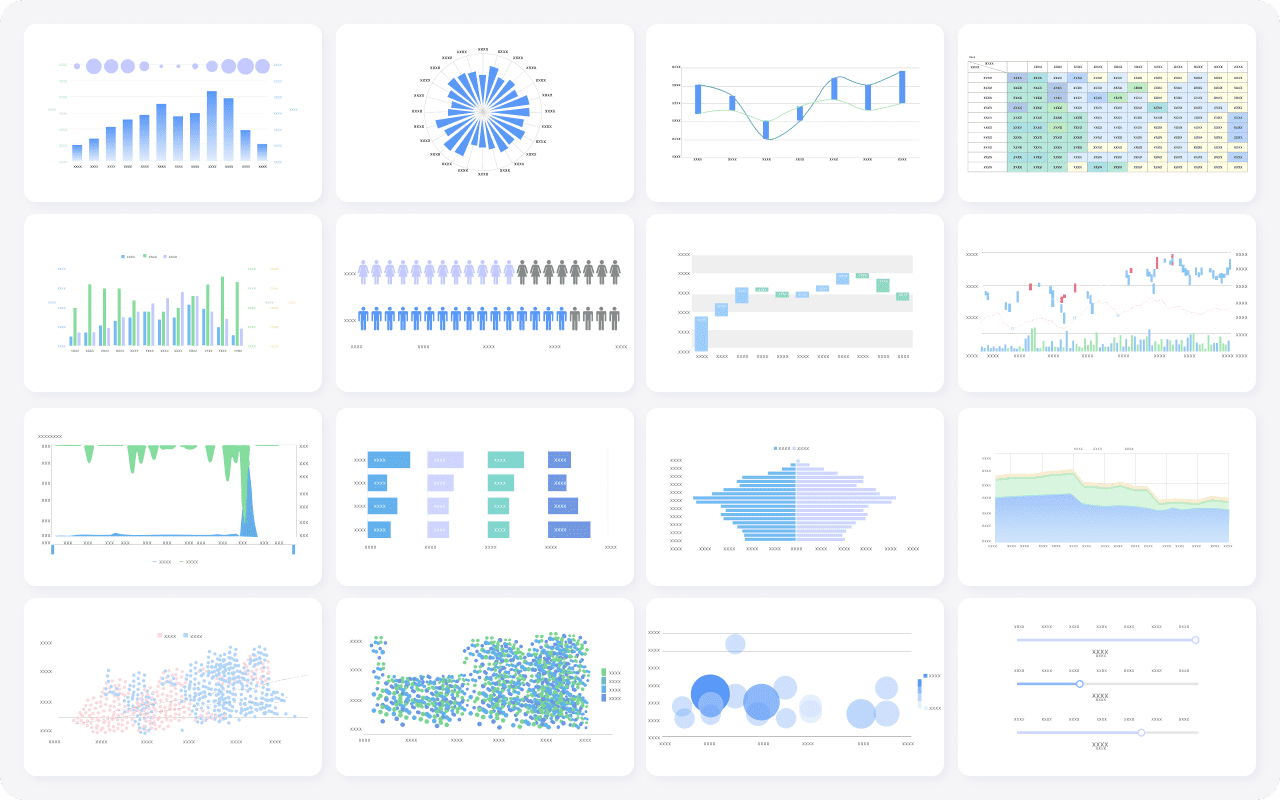

The Blooket dashboard is the control center for teachers. From hosting games to reviewing performance analytics, the dashboard makes it easy to track student learning in real time. This 2025 guide shows how to use the dashboard Blooket features, export grades, and save time in your classroom.
Where to find the Blooket dashboard
- Login at the official Blooket login page.
- Once signed in, click the top navigation icon to open your Blooket dashboard.
- Here you can access sets, hosting tools, and student reports.
Key features of the Blooket dashboard
- Live game monitoring: See which students are answering correctly during a game.
- Homework Mode tracking: Review submissions tied to Blooket join codes.
- Performance analytics: Identify top scorers and struggling students.
- Game history: Review past sessions by code and date.
- Export reports: Download performance data for grading or parent meetings.
How to export data from the dashboard
Teachers can click “Reports” inside the Blooket dashboard to export results in CSV or Excel format. This makes it easy to import scores into LMS platforms or gradebooks.
Pro tips for using the Blooket dashboard effectively
- Check analytics weekly to adapt lesson plans.
- Use nickname tracking to connect results to specific students.
- Compare data across multiple Blooket games to measure improvement over time.
- Leverage data to celebrate progress and keep students motivated.
Common dashboard issues and solutions
- Missing data: Ensure students completed the game and didn’t exit early.
- Export not working: Try switching browsers or reloading.
- No reports available: Make sure you were the host of the Blooket game.
See also: Blooket Guide • Blooket Login Explained • Hosting Guide