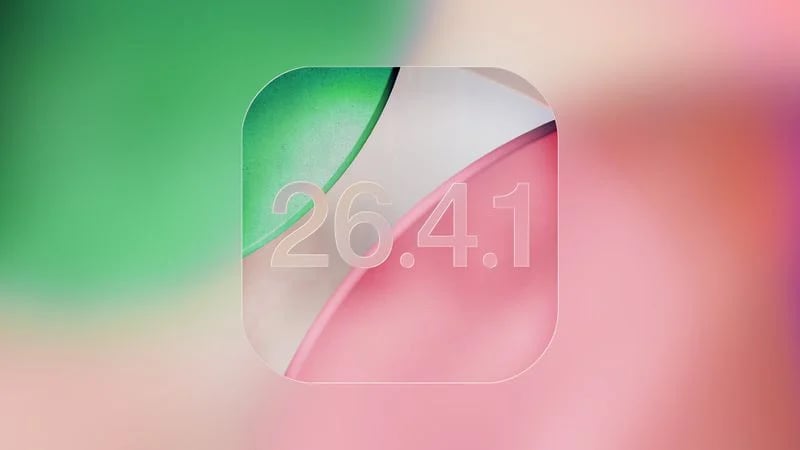

Apple’s latest iPhone update arrived with little fanfare this week. But behind its understated release notes, iOS 26.4.1 addresses a significant flaw that had quietly disrupted the daily digital routines of millions of users.
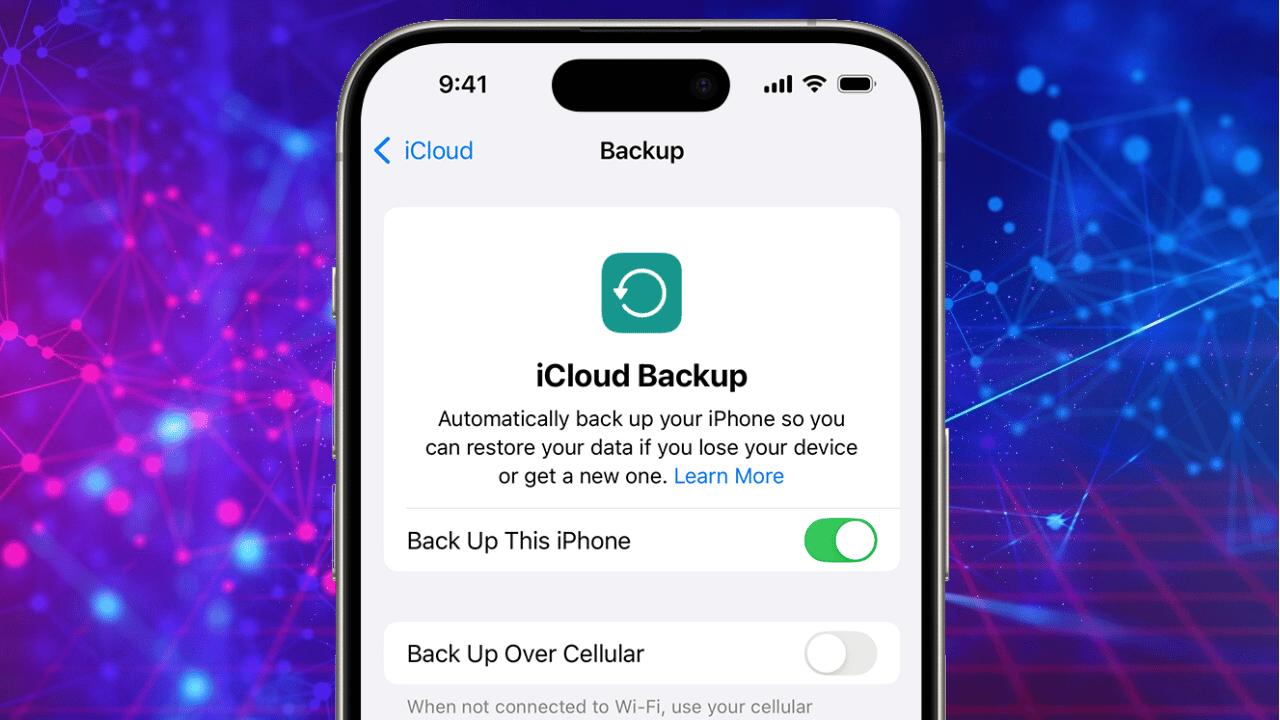
The update, rolled out globally just weeks after iOS 26.4, fixes a critical iCloud syncing bug that prevented data from properly syncing across Apple devices. It also expands a key security feature designed to protect users if their iPhone is stolen — signaling Apple’s ecosystem continued shift toward aggressive, default-on security protections.
A silent bug with widespread consequences
When Apple released iOS 26.4 in late March, it introduced a range of improvements tied to its expanding ecosystem. But hidden beneath those upgrades was a flaw that quickly began to frustrate users and developers alike.
The issue stemmed from Apple’s CloudKit framework, the backbone that allows apps and services to sync seamlessly across devices. In iOS 26.4, that system broke in subtle but consequential ways.
Changes made on one device often failed to appear on another. For many, the problem surfaced in the Apple Passwords app, where shared credentials refused to update in real time. Third-party apps relying on iCloud syncing were also affected, creating inconsistencies that disrupted workflows and, in some cases, raised concerns about data reliability.
Developers flagged the issue in Apple’s forums soon after the update’s release, describing it as a regression — a bug introduced by new code that inadvertently broke existing functionality. The problem persisted for nearly two weeks, affecting notifications, app data, and password syncing across devices.
Apple says little, fixes a lot
True to form, Apple’s official release notes for iOS 26.4.1 are sparse, stating only that the update provides “bug fixes.” But independent reports and developer findings reveal that the changes are more substantial than the wording suggests.
Beyond the iCloud fix, the update also addresses issues affecting notifications and system responsiveness. Some users had reported delays in clearing notifications and inconsistencies in keyboard responsiveness — problems that, while less severe, contributed to an uneven user experience.
Performance refinements also appear to be part of the update, with improvements to system stability and thermal efficiency noted in early reports.
The pattern is familiar: Apple rarely details minor updates publicly, even when they resolve meaningful issues. Instead, the company relies on incremental releases to quietly stabilize its software between major feature updates, reinforcing Apple’s broader strategy.
Security takes center stage
If the iCloud fix restores functionality, the update’s second major change reinforces Apple’s broader strategy: making security features harder to ignore.
With iOS 26.4.1, Apple has expanded its Stolen Device Protection feature by enabling it automatically on enterprise-managed devices. The feature was already turned on by default for regular users in iOS 26.4, but the latest update ensures broader coverage across corporate environments as well.
Originally introduced in 2024, Stolen Device Protection is designed to safeguard sensitive data in scenarios where an iPhone is stolen — particularly if the thief knows the device’s passcode.
When activated, the feature imposes additional security requirements for high-risk actions. Accessing saved passwords, changing account settings, or viewing sensitive information requires biometric authentication such as Face ID or Touch ID, with no fallback to passcodes in certain cases. It also introduces a security delay for critical changes, forcing users to verify actions over time rather than instantly.
The goal is clear: even if a device is compromised physically, the data inside it remains protected.
By enabling this feature automatically, Apple is removing a key variable — user choice. Security, increasingly, is no longer optional.
A broader push toward resilience
The timing of iOS 26.4.1 reflects Apple’s ongoing effort to tighten its ecosystem against both technical glitches and security risks.
Recent updates have addressed vulnerabilities and exploits affecting Apple devices, underscoring the growing complexity of modern mobile operating systems. While iOS 26.4.1 does not introduce headline-grabbing features, it plays a crucial role in reinforcing the system’s reliability.
For users, the update is a reminder of how dependent everyday digital life has become on invisible infrastructure. A bug in cloud synchronization may not make headlines, but its impact — on passwords, messages, and app data — can ripple across devices and workflows.
Why users should update now
Apple rarely labels updates as urgent unless they address active security threats. But in this case, the company’s silence should not be mistaken for insignificance.
The iCloud bug alone is reason enough to update, particularly for users who depend on Apple’s ecosystem for work or personal organization. Left unresolved, syncing failures could lead to outdated information, lost changes, or inconsistent data across devices.
The added security enhancements further strengthen the case. With smartphone theft and digital fraud continuing to evolve, features like Stolen Device Protection are becoming essential safeguards rather than optional tools.
Updating to iOS 26.4.1 is straightforward: users can navigate to Settings, select General, and tap Software Update to install the latest version.
A quiet but critical release
In the cycle of software updates, not every release is designed to impress. Some are meant to repair, reinforce, and recalibrate.
iOS 26.4.1 falls firmly into that category.
It may not introduce new features or redesign the iPhone experience. But by fixing a fundamental flaw in iCloud syncing and strengthening device security, it restores trust in the system’s core promise: that everything simply works.
And in a connected ecosystem where even small disruptions can have outsized effects, that promise matters more than ever.
Related Posts