
Microsoft’s long troubled Windows Insider ecosystem is undergoing its most dramatic transformation in years, as the company attempts to rebuild trust with testers and bring clarity to what had become a confusing and fragmented preview system.
The overhaul, now rolling out globally, replaces the familiar Dev and Canary channels with a new “Experimental Channel,” part of a broader effort to simplify how early Windows 11 features are tested and delivered. The shift marks a decisive reset for a program that, in recent years, had drawn criticism for inconsistent feature rollouts and opaque development practices.
At the center of the revamp is a streamlined structure. According to changes to the Microsoft Windows Insider Program, the company is collapsing its preview ecosystem into two primary paths: Experimental and Beta. The Experimental channel effectively merges the old Dev and Canary environments, becoming the earliest testing ground for unstable and evolving features, while the Beta channel will focus on more polished updates that are closer to public release.
The transition is already underway. Reports detailing Experimental channel Windows 11 preview build features show that users in the Dev channel are being moved into the Experimental track in phases, while Canary users will be redistributed depending on their build versions.This gradual rollout reflects Microsoft’s attempt to avoid the disruption that has historically accompanied Insider program changes.
For users, the most noticeable change may be control. Previously, many Windows Insider features were distributed through Controlled Feature Rollouts, meaning some testers received updates while others did not, often without explanation. Now, a Windows Insider feature flags system allows users to manually enable or disable experimental features directly from system settings.
This seemingly technical shift carries broader implications. By giving testers direct access to features listed in changelogs, Microsoft is effectively removing one of the biggest frustrations in the Insider experience: the inability to test what was promised. The new system also eliminates the need for third-party tools that power users previously relied on to unlock hidden features.
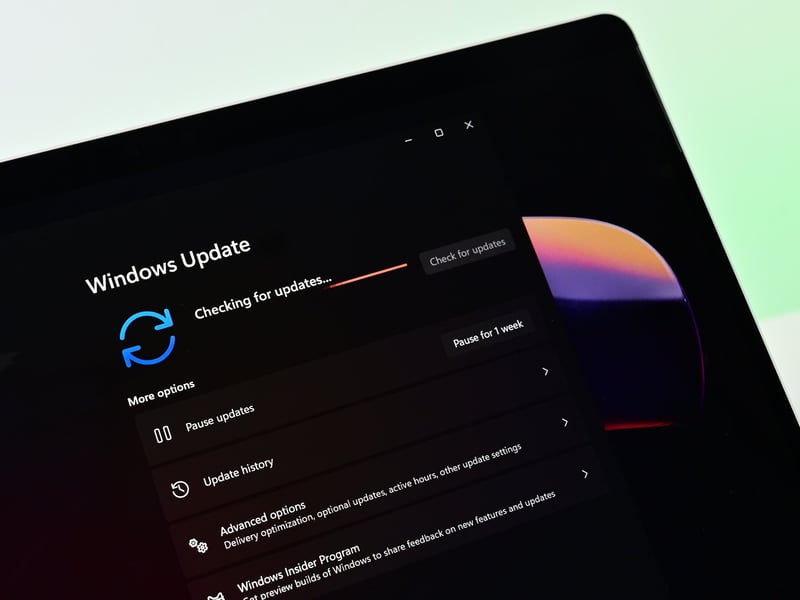
The first Experimental Preview build offers a glimpse of the new direction. Early updates include improvements to Windows Update behavior, enhanced security mechanisms, and options such as skipping updates during setup, alongside refinements to core interface responsiveness. These changes signal a renewed focus on usability and reliability areas where Windows 11 has faced persistent criticism.
Behind the technical changes lies a deeper strategic shift. Microsoft appears to be reorienting the Insider program around transparency and accountability. The broader Windows 11 Insider program overhaul explained points to internal restructuring, with clearer ownership of key Windows components and stronger emphasis on user feedback loops.
This renewed direction also connects with Microsoft’s wider ambitions around Windows 11 cross-device productivity, where tighter integration and smoother workflows are becoming central to the platform’s evolution. The role of Windows Insider program participants is now more critical than ever, as the company leans on its testing community to validate these broader ecosystem changes.
The restructuring also makes it easier for users to move between channels or exit the program entirely, often without needing to reinstall Windows. As highlighted in coverage of Microsoft simplifying Windows Insider channels, this flexibility addresses another longstanding pain point for testers.
What is clear, however, is that Microsoft is trying to reset expectations. The company is not positioning this overhaul as the prelude to a new operating system, but rather as a necessary step to refine Windows 11 itself. In fact, the latest Windows 11 update rolling out to insiders reflects this incremental, feedback-driven approach.
In that sense, the reboot of the Windows Insider Program is less about flashy new features and more about rebuilding confidence. After years of incremental tweaks and mounting frustration, Microsoft is betting that a simpler structure, greater transparency, and more user control can restore the program’s original purpose: turning its most dedicated users into active collaborators in shaping the future of Windows.
Whether that bet pays off will depend not just on the tools Microsoft has introduced, but on whether it can follow through on the promises those tools represent.