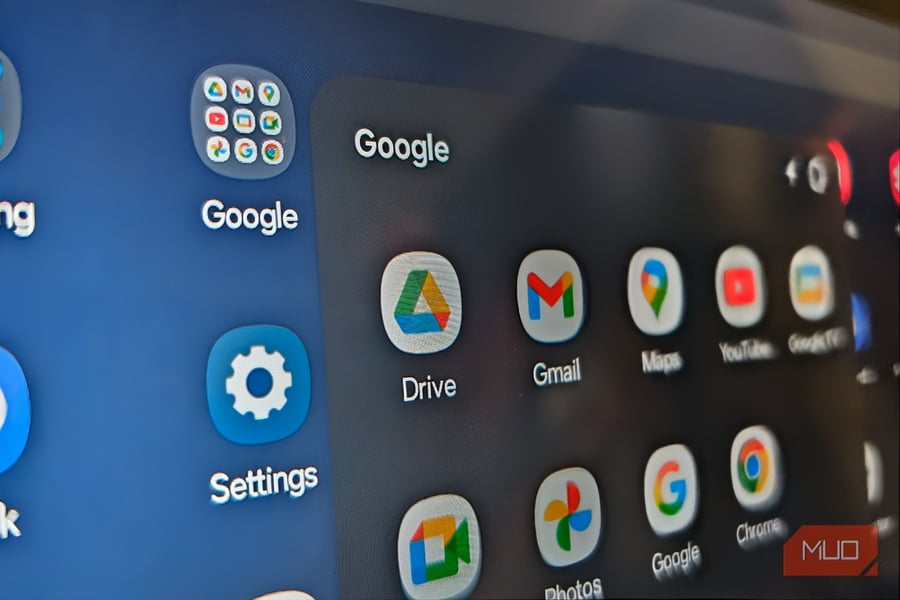

MOUNTAIN VIEW – For years, the arrangement was frictionless. Open Google Drive for desktop, point it at a folder full of photos, and watch them silently land in Google Photos, organized, searchable, backed up. On August 10, 2026, that pipeline closed.
Google has discontinued the automatic photo backup feature inside Google Drive for desktop, ending a sync bridge that millions of Windows and Mac users had relied on to protect their memories without thinking about it. The feature is gone. There is no official replacement desktop app. And the workaround Google suggests requires more active involvement than users are likely used to.
The shutdown had been signaled since June 15, when Google began alerting users inside the Drive app and blocked the creation of any new backup folder configurations. What had once been a simple toggle became, first, a warning, and then, as of this week, nothing at all. Google’s own support documentation quietly updated its language months ago, but the company issued no press release and held no announcement. The deadline simply arrived.
What’s lost is the background sync. The Drive desktop client would monitor selected folders around the clock and push new images to Google Photos the moment they appeared, whether from a camera SD card, a screenshot, or a downloaded attachment. No browser needed to be open. No action required. It ran quietly in the tray, doing the work users never had to think about.
Google has not explained why it is removing the feature. The company’s support page describes the change in passive bureaucratic language, saying users “will need to reselect their preferred backup folders in the new Google Photos interface,” but offers no rationale for eliminating the underlying integration.
The replacement Google is now pointing users toward is a browser-based folder backup option built into the Google Photos website. To use it, users visit photos.google.com, click the plus button in the upper-right corner, select “Back up folders,” choose which directories to include, and grant permissions. The process is not technically complicated. What is complicated, as How-To Geek notes, is the catch buried in the setup: this method only works while the Google Photos website or its installable web app remains open on the computer. Close the tab, and the backup stops.
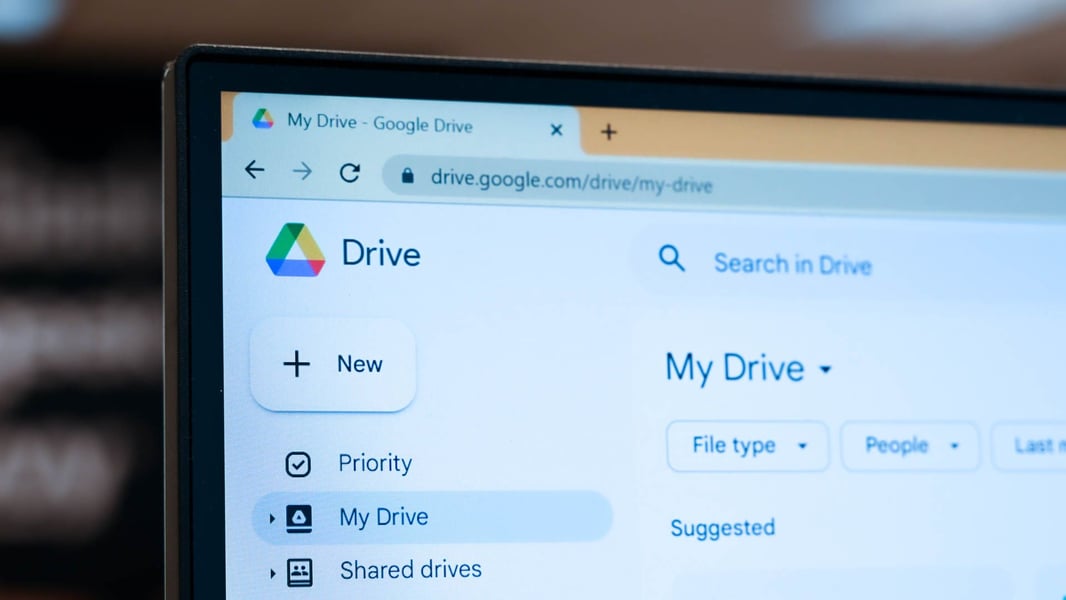
For users who previously depended on Drive for desktop’s quiet background sync, that is a significant downgrade. A photo transferred from a camera, a video exported from editing software, an image downloaded from a messaging app – all of these will now sit in their folder, waiting, until someone remembers to open a browser.
There is also a storage warning that users would be wise to act on immediately. Anyone who has the same photo folder synced through both Google Drive and Google Photos risks accumulating duplicate files, with each copy counting separately against their Google One storage quota. Google’s free storage tier can fill quickly when the same vacation album exists twice in the cloud. As MakeUseOf warns, the duplication can push users into paid Google One plans they may not have budgeted for. Auditing Drive sync settings and disabling folder mirroring for any directory already backed up through Google Photos should be an early priority.
The good news is narrow. Photos already uploaded to Google Photos before August 10 are not going anywhere. Existing libraries remain intact, searchable, and shareable. Automatic backups from Android phones and iPhones through the Google Photos mobile app are also unaffected. For users whose primary photo workflow flows through their smartphone, the change is invisible. The disruption lands squarely on people who transfer images from cameras, scanners, or external devices to their computer, then let Drive handle the rest.
Google’s decision lands at an uncomfortable moment for the company’s relationship with its power users. The corporation has spent the past year tightening the terms of its free services, from storage caps to policy tweaks. For many users, the elimination of background desktop photo sync will be the latest in a series of small erosions that, together, make Google’s ecosystem feel less like a product than a negotiation.
The company’s Android flagship, the Pixel 11 Pro, still promises deep Google Photos integration on mobile – but the company has declined to build a standalone Google Photos application for Windows or Mac. That absence has been a complaint in support forums and product feedback threads for years. The August 10 change makes the absence newly consequential.
Independent experts and power users have proposed alternatives for those who want true background desktop sync. These range from third-party software that monitors folders and pushes to Google Photos via its API, to scheduling manual uploads on a regular basis, to migrating backups entirely to a different service. Security experts add that relying on a single cloud service – any cloud service – as the only backup for irreplaceable photos is poor practice regardless of which platform handles the job.
Android 17’s latest builds have reinforced Google’s strategic preference for the phone as the center of the Photos ecosystem. Its Photo Shuffle and Gemini Intelligence features are designed around a mobile-first model where the phone is always syncing, always analyzing, always present. The desktop, in that vision, is a display surface, not a source.
What Google has not addressed is the gap between that vision and the reality facing photographers, videographers, and everyday users who still work primarily on a computer. Until the company either restores desktop background sync or offers a proper standalone Google Photos app, a meaningful part of its user base is now navigating a workaround it did not choose and was not fully prepared for.